
Delete Your Account
You can delete your Paleta — Color By Number account and all of its data directly from the app.
To delete your account:
Open the app → More → Account Settings → Delete Account.
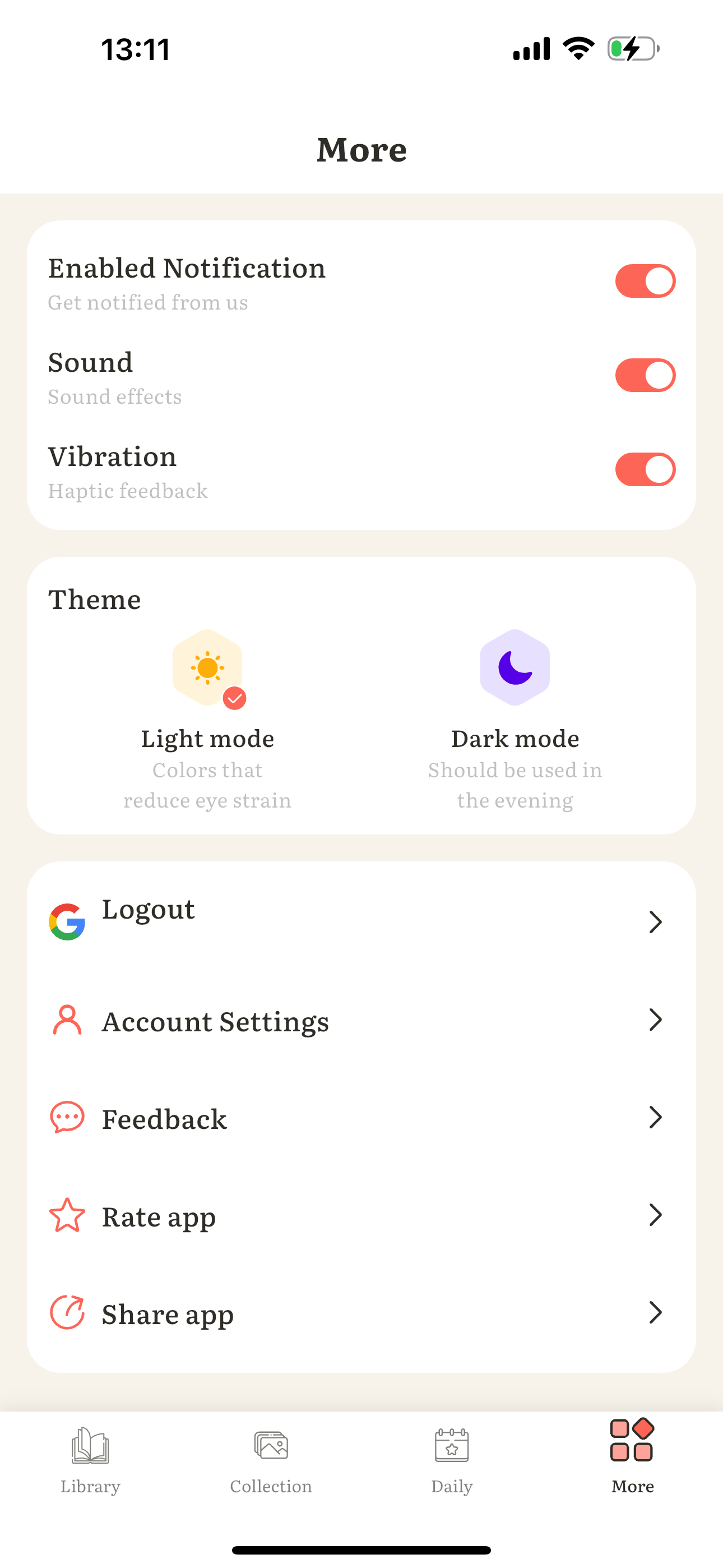
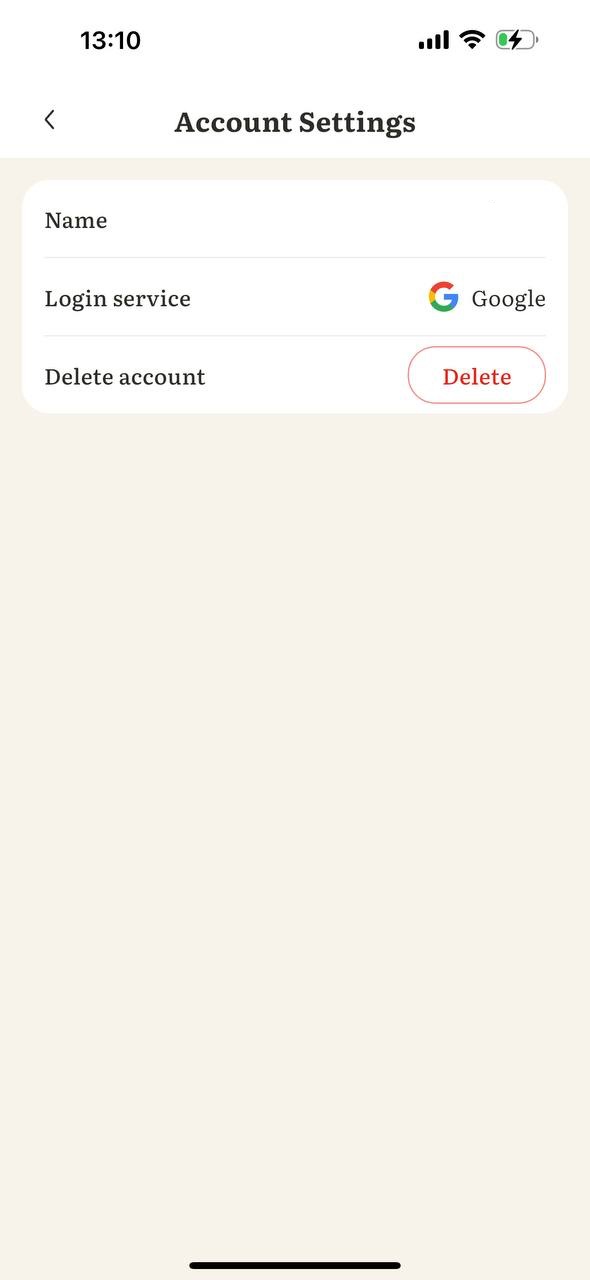
Deleting your account permanently removes your profile and associated data. This action cannot be undone.
Having trouble? Email us at s2.4home@gmail.com and we’ll delete your account data for you.